
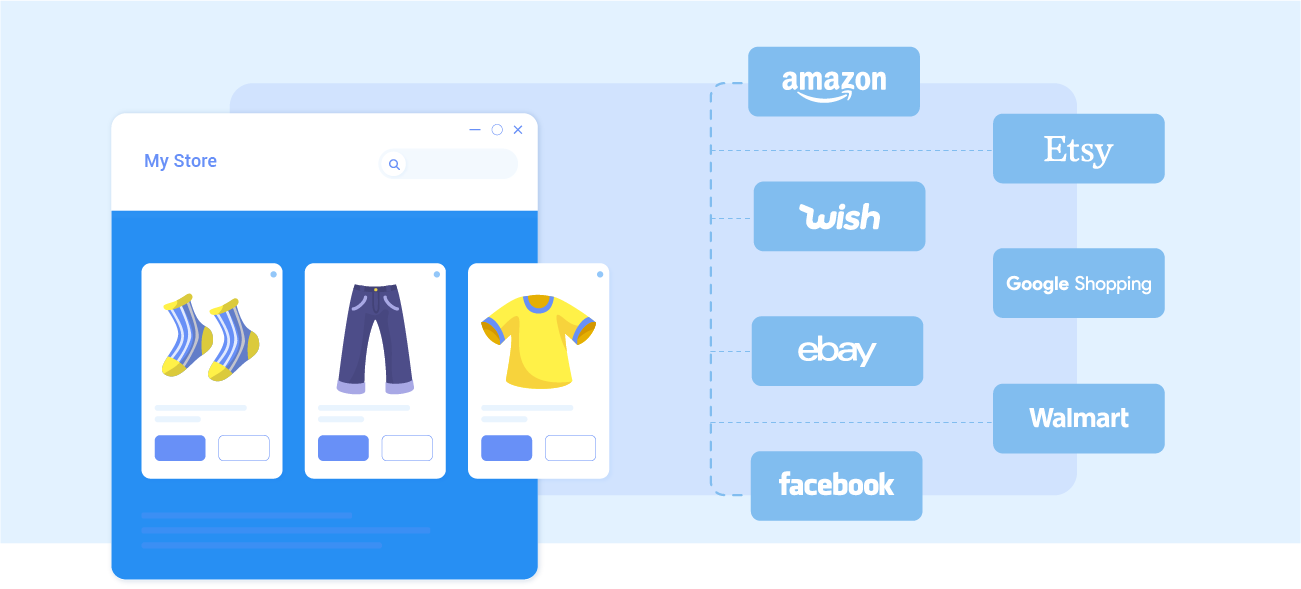
How to Integrate with Lightspeed Retail (X-Series)

Step 1: Connect to Lightspeed Retail (X-Series)

Select your Main Store, from which you want to list products to new selling channels, among our list of supported eCommerce platforms. Choose the marketplace you want to sell on. After that, you can connect to other marketplaces on your account dashboard.

Step 2: List products on Lightspeed Retail (X-Series)

Select products from Lightspeed Retail (X-Series) to list on your preferred channels or vice versa. Products listed to your sales channel will be stored in the tab Draft. You can edit products before publishing them live on Lightspeed Retail (X-Series).

Step 3: Enable sync

The products details such as product name, inventory, price, images, etc., are regularly synced from your store to marketplaces and vice versa.

Step 4: Manage orders

The products details such as product name, inventory, price, images, etc., are regularly synced from your store to marketplaces and vice versa.

The Most Easy-To-Use and Affordable Multichannel Selling Solution

This is the heading

Lorem ipsum dolor sit amet, consectetur adipiscing elit. Ut elit tellus, luctus nec ullamcorper mattis, pulvinar dapibus leo.


This is the heading

Lorem ipsum dolor sit amet, consectetur adipiscing elit. Ut elit tellus, luctus nec ullamcorper mattis, pulvinar dapibus leo.

This is the heading

Lorem ipsum dolor sit amet, consectetur adipiscing elit. Ut elit tellus, luctus nec ullamcorper mattis, pulvinar dapibus leo.

This is the heading

Lorem ipsum dolor sit amet, consectetur adipiscing elit. Ut elit tellus, luctus nec ullamcorper mattis, pulvinar dapibus leo.

Why Choose iOmniC

Copyright © 2022 WiseRobot Industries Sdn. Bhd.

Follow Us